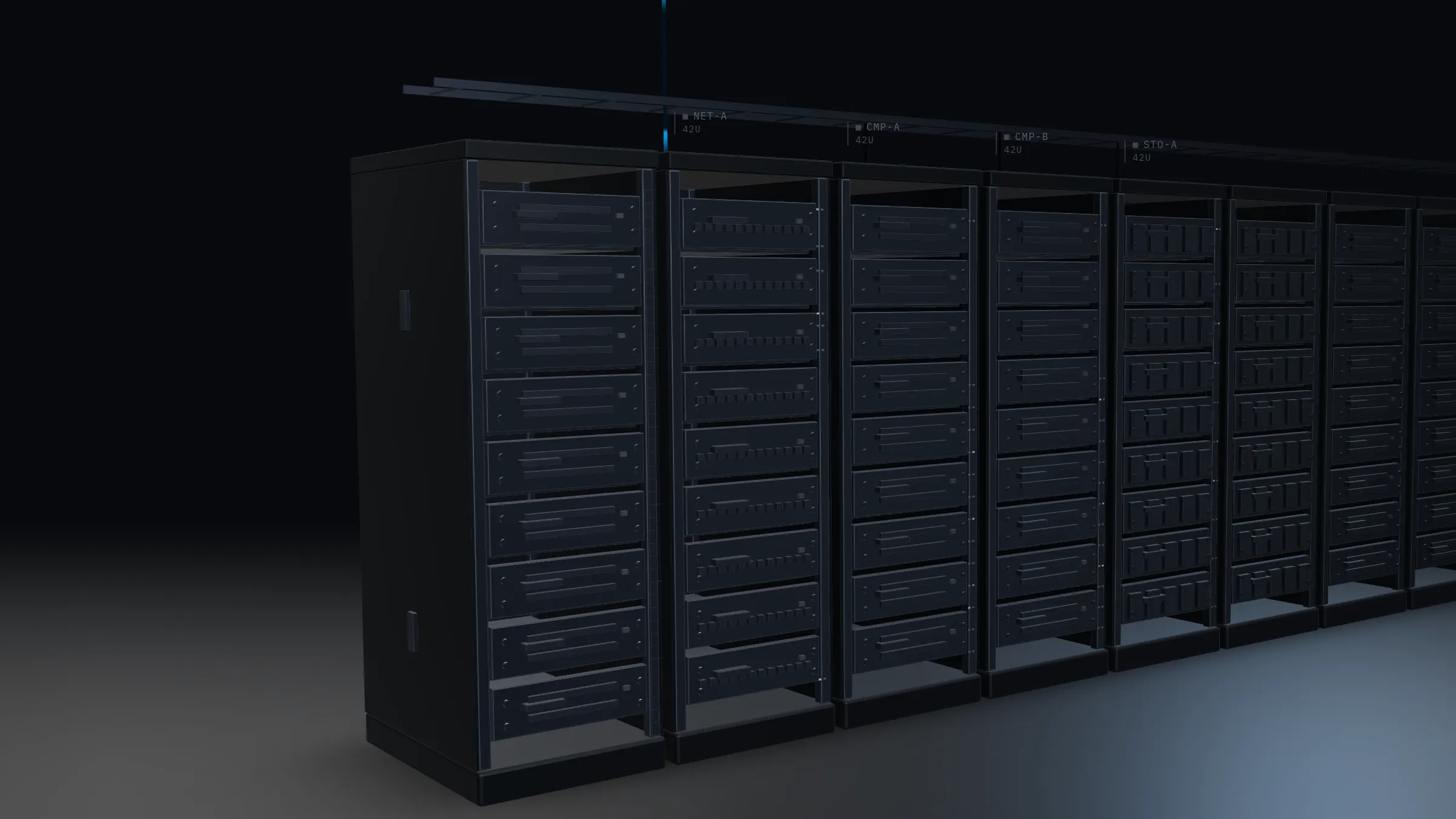
Compute · Network · Storage
Infrastructure,
built to run.
Virtual servers, dedicated servers and NVMe storage — on racks, routers and a network that ACY operates itself.
01Network
Traffic arrives at our edge first.
Routing, filtering and addressing happen on hardware we operate, before a packet ever reaches a server.
- Routing
- BGP at the edge
- Addressing
- IPv4 and IPv6, dual-stack
- Protection
- Filtering in front of every public IP
02Compute
Virtual or bare metal. The same hardware.
Virtual servers and dedicated servers share the same racks, the same network and the same operations team.
- VPS
- Virtualised instances
- Dedicated
- Single-tenant servers
- GPU
- Accelerated compute · planned
03Storage
Data on NVMe. Backups on separate hardware.
Instance storage on NVMe, block volumes you can move between machines, and backups that live on separate hardware.
- Block
- NVMe volumes
- Backup
- Scheduled snapshots
- Object
- S3-compatible · planned
00Architecture
From the internet to your workload.
Every request takes the same path through ACY. Select a stage to see what happens there.
UPSTREAMUpstream
Internet
Transit providers and peering partners hand traffic to ACY over BGP.
EDGERouting · filtering
Edge routers
Redundant routers announce ACY prefixes, apply routing policy and filter traffic before it enters the network.
CORESwitching fabric
Core network
A switched layer-3 fabric connects every rack. Tenant, storage and management traffic are separated.
CMPHypervisors · bare metal
Compute
Hypervisor hosts run virtual servers; dedicated machines are handed to a single customer.
STOBlock volumes
Storage
Network-attached NVMe volumes that can be detached from one instance and attached to another.
BAKSeparate hardware
Backup
Snapshots are copied to storage that is physically separate from the machines they protect.
YOUCustomer
Your workload
Your application, database or service — reachable over IPv4 and IPv6.
01Network
Routed at our edge.
BGP-routed, dual-stack and filtered before traffic reaches your server. Capacity and carriers are published when they are confirmed — not before.
Network specification
- BGPBorder Gateway Protocol
- Edge routingACY exchanges reachability with upstream networks over BGP.
- ASNAutonomous System Number
- AS—TBCOur autonomous system number is published here once announced.
- IPv4
- 1 × /32per instanceTBCEvery instance receives a public IPv4 address.
- IPv6
- 1 × /64per instanceTBCNative IPv6 routed to every instance. No tunnels.
- Uplink
- 1GbpsTBCPort speed per instance. Higher speeds on dedicated hardware.
- Transit
- Published at launchTBCUpstream carriers will be listed here by name.
- Peering
- Published at launchTBCInternet exchange presence and peering policy.
- DDoSDistributed denial of service
- Filtering on all public IPsVolumetric filtering in front of every address. Mitigation capacity published at launch.
02Compute
Choose how much of the machine is yours.
A slice of a hypervisor, or the whole server. Both run on the same racks and the same network.
Virtual servers
Isolated virtual machines with NVMe storage and public IPv4 and IPv6. Resize or rebuild from the console or the API.
- NVMe storage
- IPv4 + IPv6
- Snapshots
- Console + API
03Storage
NVMe first. The copy lives elsewhere.
Know where your data physically sits — and where its backup is. Primary storage and backups never share hardware.
- 03.1 · BLKPreview
Volumes you attach to an instance like a local disk, and move to another instance when you need to.
- Media
- NVMe
- Volume size
- 10 GB – 10 TBTBC
- Interface
- Block device
- 03.2 · BAKPreview
Scheduled snapshots of instances and volumes, stored on hardware separate from the source.
- Schedule
- DailyTBC
- Retention
- 7daysTBC
- Restore
- Console · API
- 03.3 · OBJPlanned
S3-compatible buckets for assets, archives and application data.
- API
- S3-compatible
- Availability
- Planned
04Deploy
Five decisions. Then it runs.
Location, image, size, network, name. No unnecessary steps between you and a running server.
05Live infrastructure
Measured, not claimed.
The same signals our engineers watch, published as they are measured. Until monitoring is connected, this panel runs on a clearly labelled demo feed.
Open status pageAll systems operational
Updated 09:19 UTCDemo feed
Core latency
1.3ms
Median RTT, edge ↔ compute
Uptime · 90d
99.99%
All components
Compute nodes
24online
Hypervisor + bare metal
Capacity used
38%
Allocated vCPU
Edge traffic
4.3Gbps
Aggregate, 5-min avg
Network
Operational
30 days ago90 days agoToday100.00%
Compute
Operational
30 days ago90 days agoToday100.00%
Storage
Operational
30 days ago90 days agoToday99.97%
Control plane
Operational
30 days ago90 days agoToday100.00%
API
Operational
30 days ago90 days agoToday100.00%
Console
Operational
30 days ago90 days agoToday100.00%
06Security
Security is architecture, not a badge.
We list certifications only once we hold them. These are the controls built into how ACY is designed and operated.
- 06.1
Network security
Filtering at the edge, separate networks for tenant, storage and management traffic, and no management services exposed to the public internet.
- 06.2
DDoS protection
Volumetric attacks are filtered before they reach your instance. We will publish mitigation capacity as a measured figure, not a marketing claim.
- 06.3
Isolation
Virtual servers run under hardware-assisted virtualisation. Dedicated servers are single-tenant — no other customer shares the machine.
- 06.4
Backups
Backups are stored on separate hardware from the systems they protect, with retention you configure.
- 06.5
Monitoring
Hardware, network and platform services are monitored continuously. The same signals feed our public status page.
- 06.6
Access control
Personal accounts, multi-factor authentication and logged access for staff. Customers control access with SSH keys and API tokens.
If you have found a vulnerability, please report it to our security team.
[email protected]07Company
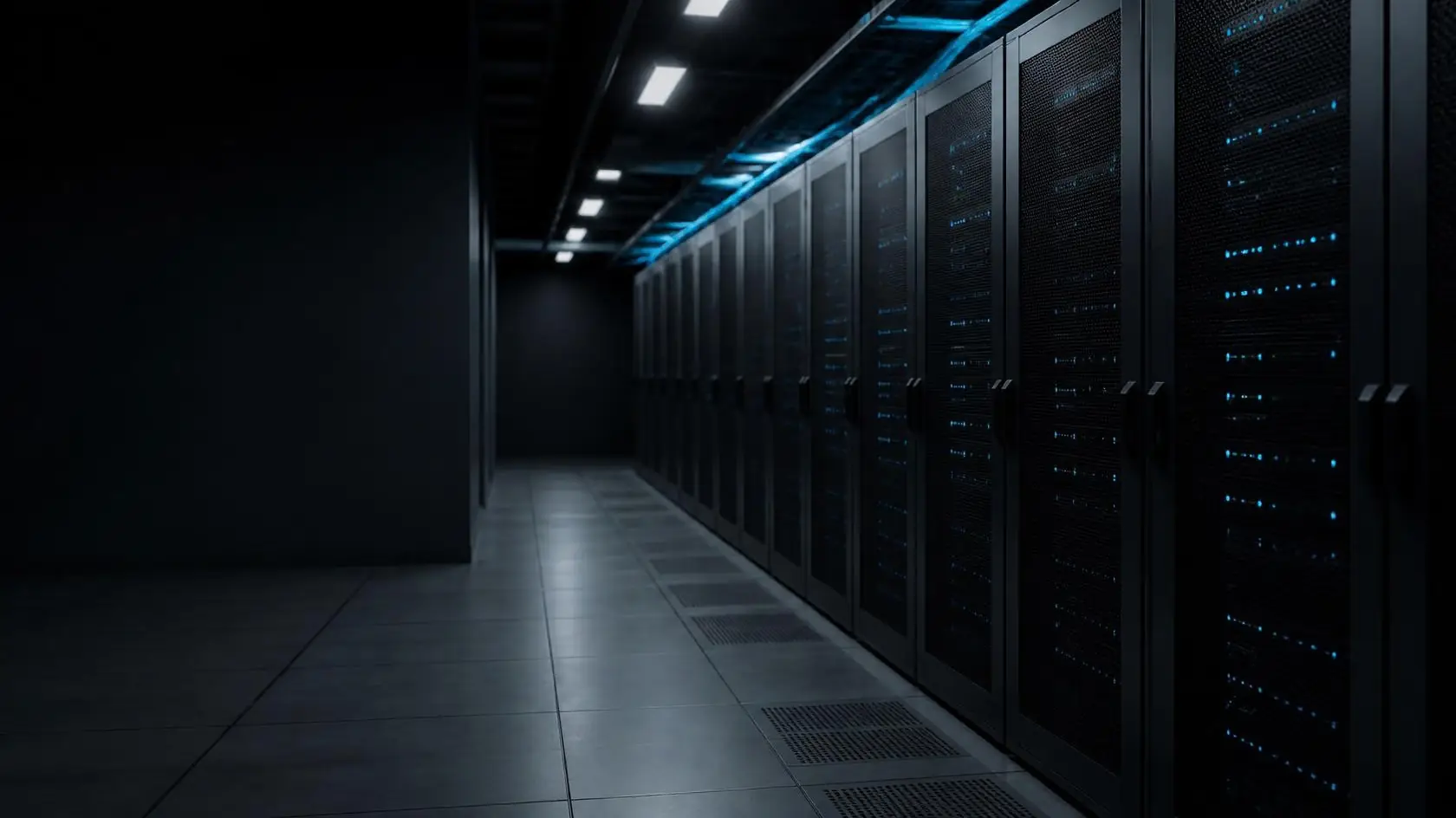
About ACYACY is an infrastructure company. We run the hardware, the network and the platform.
- 01
Real hardware
Every product on this site runs on equipment ACY operates — racks, routers, servers and drives you can point to.
- 02
Measured figures
We publish measured figures only. Anything not yet confirmed is marked TBC until it is, and our status page shows what our monitoring sees.
- 03
Transparent operations
Incidents and maintenance are announced publicly, with a timeline. You should never learn about an outage from your own customers.
Contact
Talk to the people who run it.
- Sales
- [email protected]New projects and dedicated hardware
- Support
- [email protected]Existing services
- Network operations
- [email protected]Peering, routing and abuse
- Security
- [email protected]Vulnerability reports
Business information
- Registered name
- To be publishedTBC
- Registered address
- To be publishedTBC
- Registration no.
- To be publishedTBC
- VAT / tax no.
- To be publishedTBC